
You want to skip local setup
Open the hosted product in a browser instead of installing and maintaining the project locally.
MEDIA BUDDY · SOURCE-AVAILABLE EDITION
Give it a channel and a few titles. It writes the script, plans the visuals, adds narration, subtitles and music, then renders a finished short or long video locally with your own API keys.
PolyForm Noncommercial 1.0.0 · Commercial use is not permitted.
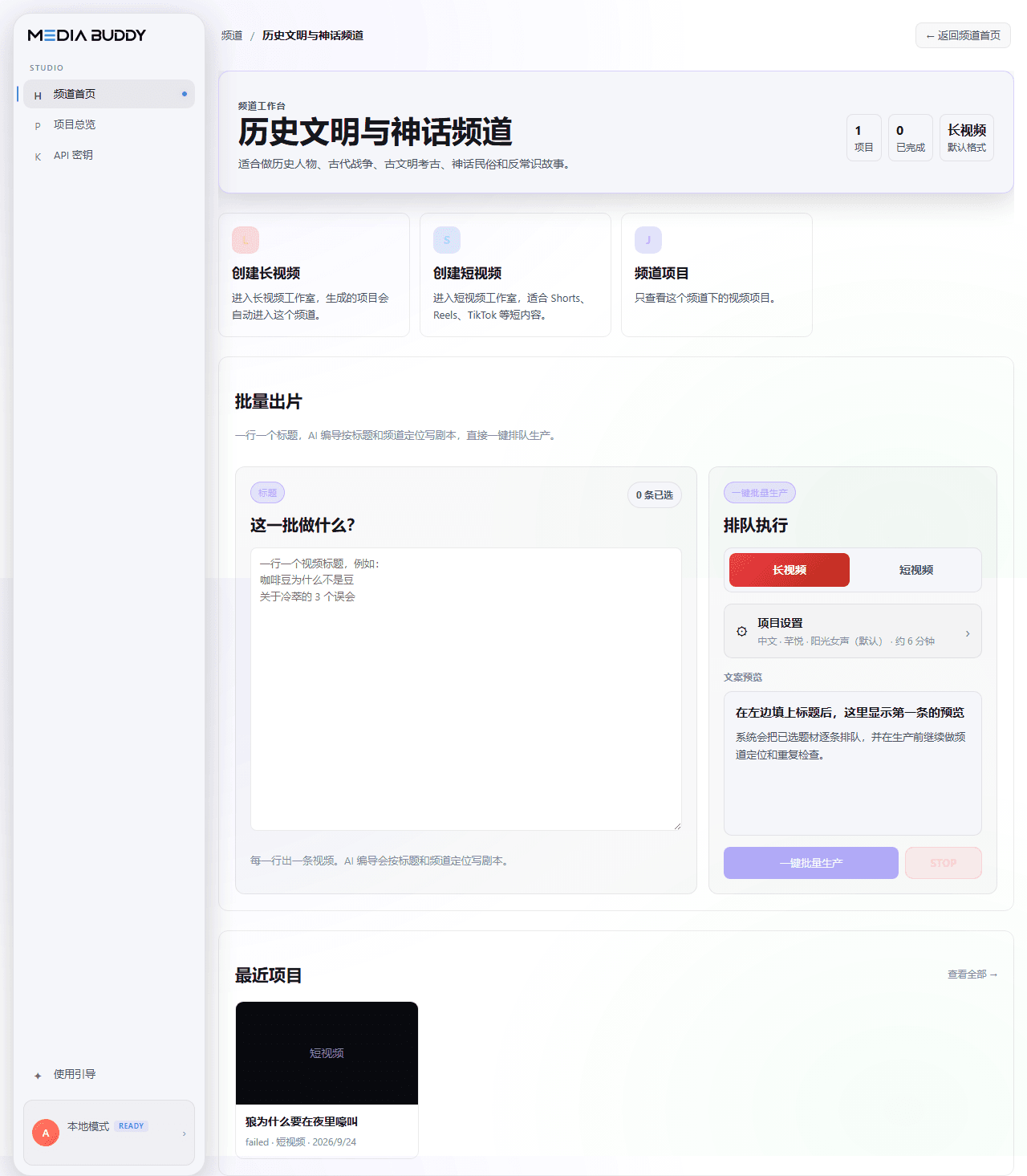
MEDIA BUDDY · SOURCE-AVAILABLE EDITION
The source-available project is for creators who want to run the workflow themselves. You choose a channel and provide titles; the project does not generate topic ideas for you.
01
Research and write narration in your channel’s voice.
script.txt
02
Create narration with word-level timing.
narration.mp3 + word timings
03
Break the script into visual chunks and describe what each should show.
visual_plan.json
04
Find supporting clips and keep a selection trace for each chunk.
clips + selection trace
05
Create sentence-level subtitles from the narration timings.
Burned into the video
06
Add music, fit clips to narration, and render locally with ffmpeg.
final.mp4
Two ways to create
The open-source edition gives you the source and local control. The hosted edition removes local setup and adds managed creation features.
Open-source project details and installation instructions are maintained in the GitHub README.
Keep the local edition if you want to configure and run the project yourself. Move to hosted when you want less setup or more built-in capabilities.
Open the hosted product in a browser instead of installing and maintaining the project locally.
Use channel inspiration and Trend Radar to find a direction before creating.
The hosted workflow includes access to a licensed high-definition footage library.
Import footage into the hosted workflow and use its AI editing capabilities.
The source-available edition is non-commercial. Choose the hosted service for business use.
First install Python 3.11+, Node 20+ and ffmpeg, clone the repository, and activate a virtual environment. Then run the README commands below in order.
Prerequisites: Python 3.11+, Node 20+ (for the one-time UI build), and ffmpeg on your PATH.
Read the full setup guide on GitHubpip install -e ".[dev]"
cd src/frontend && npm install && npm run build && cd ../..
cd src && uvicorn backend.main:app --port 8000No. The repository is licensed under PolyForm Noncommercial 1.0.0. Commercial use is not permitted.
No. You choose a channel and provide the titles. The hosted edition includes topic discovery features.
The open-source workflow runs locally on your computer. The README explains which external services are called when you configure their API keys.
The README lists the required keys and the optional key for additional voice options.
There is no automatic project migration. The two editions are separate workflows.
It does not suggest topics, import or edit your own footage, generate AI video clips, publish videos to platforms, or support multiple users.
MEDIA BUDDY
Create in the browser with managed services and pay by the finished length of each video.
Explore the hosted edition